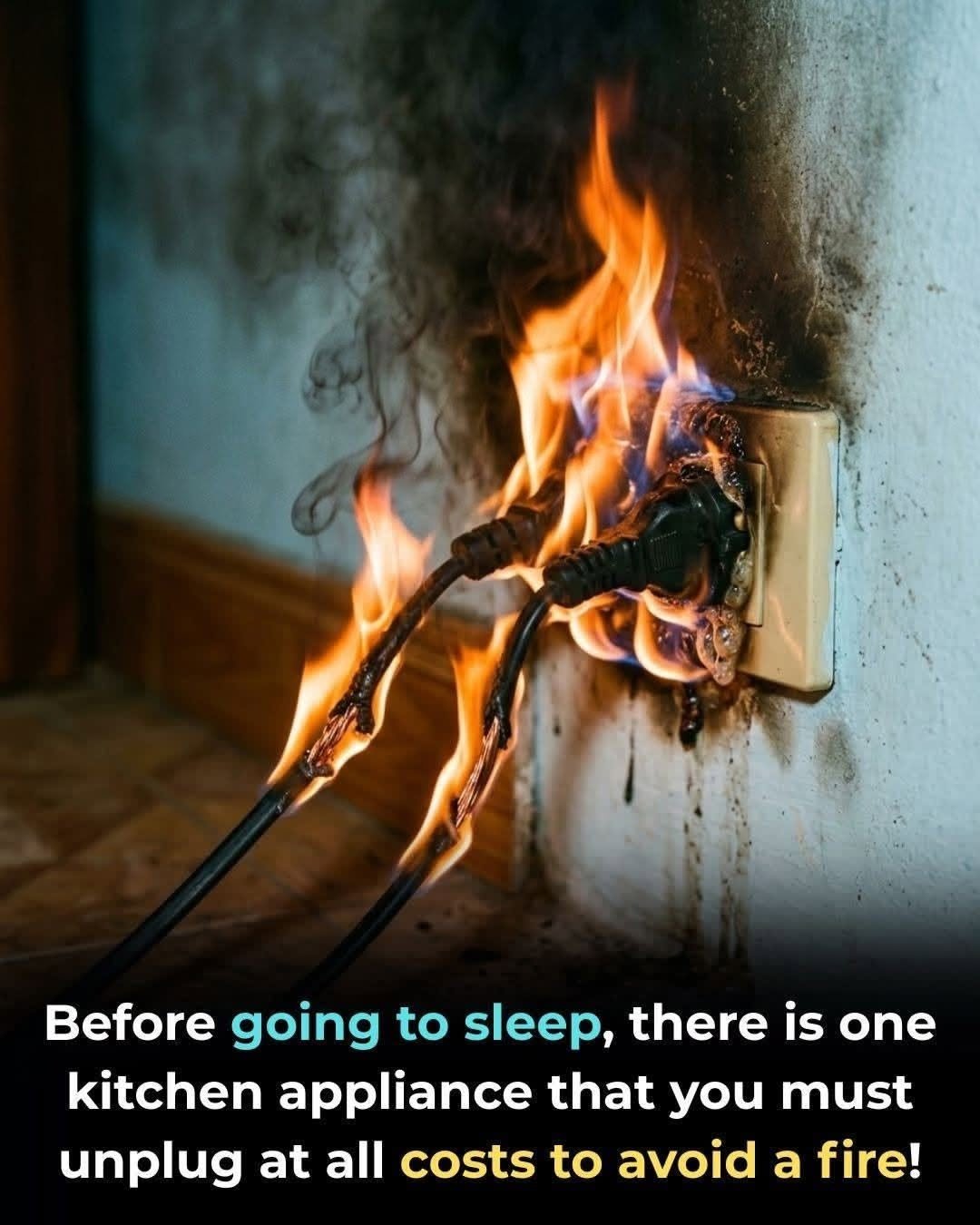
Protect Your Home andMany household appliances continue drawing a small amount of electricity even after you switch Wallet: Unplug These 5 Appliances When You’re Done Using Them
Many household appliances continue drawing a small amount of electricity even after you switch them off. This is often called standby power, phantom load, or vampire power.
For some appliances, the amount is tiny. But when dozens of devices remain plugged in around the house, the energy use can add up over time.
Unplugging certain devices can also reduce risks associated with faulty cords, damaged equipment, or appliances that generate heat.
Here are five appliances and devices that are worth considering.
1. Toasters and Toaster Ovens
A toaster is normally used for only a few minutes at a time, yet it can remain connected to the electrical outlet for the rest of the day.
Unplugging it after use is a simple habit, especially if the appliance is old, has a damaged cord, or sits somewhere that could expose it to heat or moisture.
A toaster oven may consume more energy than a basic toaster because it can contain electronic controls, displays, or other components that remain energized while plugged in.
Always allow appliances to cool appropriately and keep them away from flammable materials.
2. Coffee Makers
Many modern coffee makers have clocks, displays, timers, warming plates, or electronic controls that continue operating while the machine is plugged in.
If you make coffee once in the morning and don’t need the machine for the rest of the day, switching it off or unplugging it can eliminate standby consumption.
This is particularly relevant for older coffee makers that keep a warming plate hot for hours.
And if you’re leaving home for several days, unplugging countertop appliances is a sensible precaution.
3. Microwaves
A microwave may appear completely inactive when you’re not using it, but the digital clock and electronic controls typically require electricity while it’s plugged in.
The amount consumed by an individual microwave is usually modest, so don’t expect your electricity bill to suddenly drop dramatically.
However, if you want to minimize standby consumption, unplugging it—or switching it off at a suitable wall switch—will eliminate that standby load.
Be careful not to unplug appliances that need power for essential functions unless you’ve checked the manufacturer’s instructions.
4. Chargers and Power Adapters
Phone chargers, laptop adapters, tablet chargers, and other power supplies can consume some electricity when they’re plugged in without actively charging a device.
The amount varies substantially by charger and its design.
Modern chargers are generally much more efficient than older ones, so the savings from unplugging one small charger may be minimal.
Still, unplugging unused chargers has another advantage: it reduces the number of energized adapters and cords around your home.
If a charger becomes unusually hot, makes noise, smells burnt, or has damaged insulation, stop using it and replace it.
5. Entertainment Electronics
Televisions, game consoles, streaming devices, speakers, and similar electronics often remain in a standby state rather than being completely disconnected from electricity.
Standby power allows features such as remote control, network connectivity, quick startup, timers, and automatic updates to function.
You don’t necessarily need to unplug every entertainment device every night.
Instead, consider using a properly rated power strip with an on/off switch for a group of devices you don’t need powered continuously.
That can make it easier to disconnect several devices at once.
What About Refrigerators and Freezers?
This is where people sometimes take “unplug everything” advice too far.
Don’t routinely unplug your refrigerator or freezer simply to save standby electricity.
These appliances need continuous power to keep food at a safe temperature.
An unplugged refrigerator can quickly become a food-safety problem, especially in a warm climate.
If you’re leaving your home for an extended period, follow the manufacturer’s instructions rather than simply pulling the plug.
Don’t Unplug Everything in Your House
Not every appliance should be unplugged after every use.
Devices such as routers, security systems, medical equipment, heating or cooling equipment, and appliances with essential programmed functions may need continuous power.
Before unplugging something, ask:
Does this device need electricity while I’m away?
Will unplugging it reset important settings?
Does it provide a safety or security function?
Does the manufacturer recommend leaving it connected?
If the answer is yes, leave it connected unless you have an appropriate alternative.
The Biggest Savings Usually Come From Bigger Loads
It’s easy to become obsessed with unplugging a phone charger while ignoring appliances that use much more electricity.
Heating and cooling equipment, electric water heaters, refrigerators, electric ovens, clothes dryers, and other high-power appliances can have a much larger effect on your electricity consumption.
So if your goal is to lower your bill, don’t expect unplugging five small appliances to produce dramatic savings.
Instead, combine standby-power reduction with sensible energy use throughout the home.
A Simple Nighttime Routine
Before going to bed, you could check:
- Countertop appliances you aren’t using
- Unnecessary chargers
- Entertainment equipment
- Lamps and electronics
- Power strips
You don’t need to walk around unplugging every cord in the house.
Focus on equipment that is unused for long periods and doesn’t need continuous power.
Safety Matters More Than Small Energy Savings
Unplugging an appliance can eliminate its connection to the electrical supply, but you should also inspect the appliance itself.
Stop using electrical equipment if you notice:
- Frayed or damaged cords
- Burn marks
- Melted plastic
- Sparks
- Burning smells
- Repeatedly tripped breakers
- Unusual buzzing or overheating
Don’t overload outlets or power strips, and don’t use damaged extension cords as permanent wiring.
For high-power appliances such as heaters, ovens, and air conditioners, follow the manufacturer’s electrical requirements.
The Bottom Line
Five categories worth unplugging or switching off when they’re not needed are:
- Toasters and toaster ovens
- Coffee makers
- Microwaves
- Unused chargers and adapters
- Entertainment electronics
But remember: standby power from one device is usually small. The biggest benefit comes from eliminating unnecessary loads across many devices and developing good energy habits.
And don’t unplug essential appliances such as refrigerators simply because you’ve heard that everything should be disconnected.
The smartest approach isn’t “unplug everything.”
It’s “disconnect what doesn’t need to stay powered, keep essential equipment running, and pay attention to electrical safety.”
